Ben's Task Manager
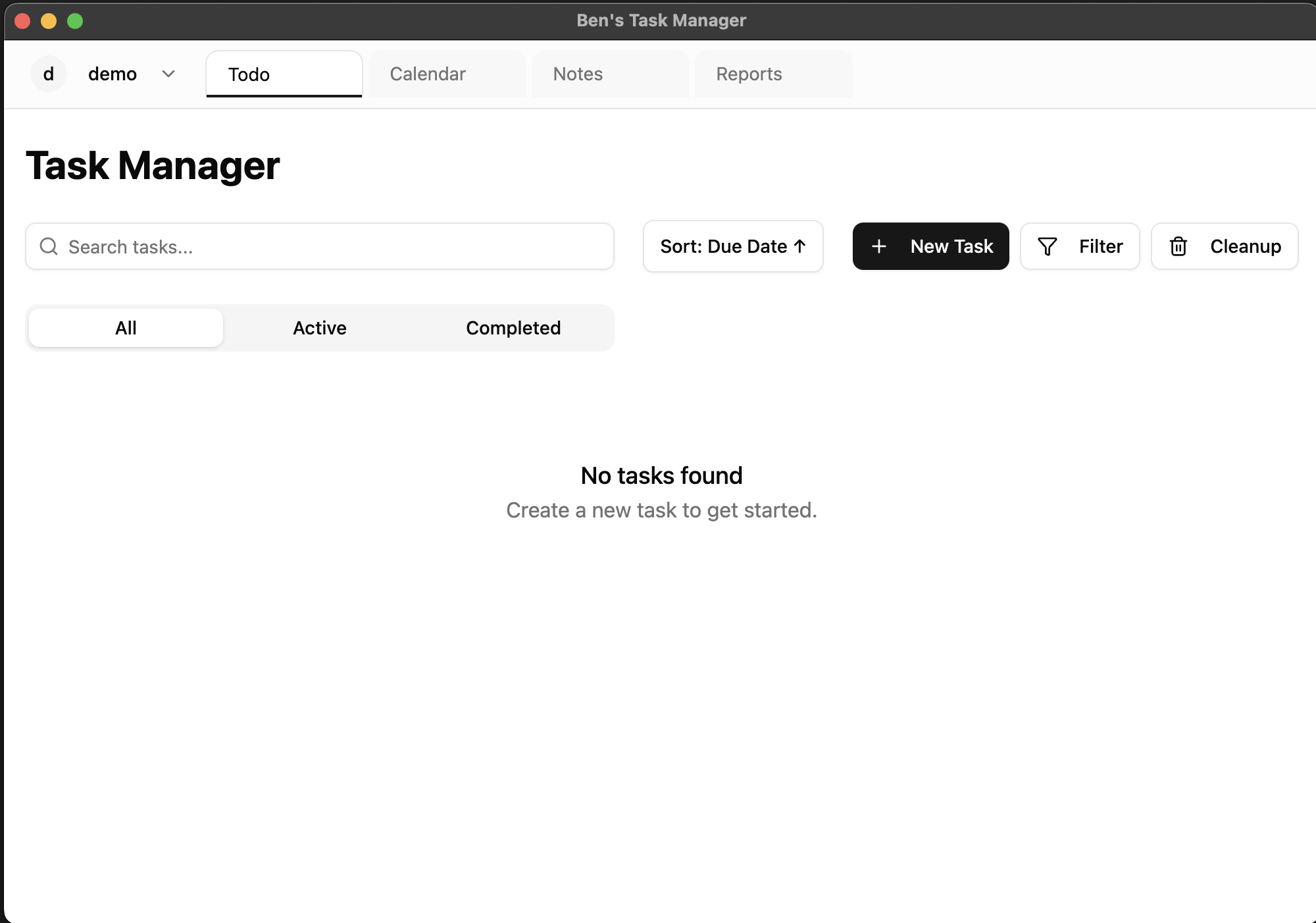
A powerful task management app designed exclusively for Mac Silicon chips.
Download
Download Ben's Task Manager for Mac Silicon chips (M1, M2, M3, etc.)
Version 1.0.0
Released May 4, 2024
Unsigned Application
This app is not signed or notarized by Apple. You'll need to bypass Gatekeeper security warnings to run it.
System Requirements
- macOS 12 Monterey or newer
- Apple Silicon chip (M1, M2, M3, etc.)
- 4GB RAM minimum (8GB recommended)
- 100MB free disk space
Installation Guide
Follow these steps to install Ben's Task Manager on your Mac
Step 1: Download the DMG
Click the download button above to download the DMG file to your computer.
Step 2: Open the DMG
Double-click the downloaded DMG file to mount it. You'll see the application icon.
Step 3: Drag to Applications
Drag the application icon to the Applications folder shortcut in the DMG window.
Step 4: Bypass Gatekeeper
When you try to open the app, you'll see a warning. Instead of double-clicking, right-click (or Control+click) on the app and select "Open" from the menu. When prompted, click "Open" again.
Step 5: Enjoy!
The app will now open. Future launches won't require these extra steps.
Frequently Asked Questions
Why does macOS show a security warning?
Apple requires developers to pay for a developer account and go through a notarization process. As an independent developer, I've chosen to distribute this app without these steps, which is why you'll see the security warning.
Is it safe to bypass the security warning?
Yes, the app is safe to use. The security warning is simply because the app isn't signed or notarized by Apple, not because it contains malware. However, you should only download software from trusted sources.
Why is it only for Mac Silicon?
The app uses specific optimizations and features only available on Apple Silicon chips, allowing for better performance and battery life.
Will it work on my Intel Mac?
No, this application is specifically built for Apple Silicon chips (M1, M2, M3, etc.) and will not work on Intel-based Macs.